Module 2 of 10
Module 01 • Onboarding & Setup
Getting Started with Midjourney & Web Alpha
Midjourney operates through a seamless hybrid ecosystem: an interactive Discord community bot and a standalone Web Alpha generation canvas. Here is the complete engineering setup guide to launch your creative pipeline.
1. Account Setup & Discord Configuration
Midjourney is powered by a cloud cluster of NVIDIA GPUs communicated through the Discord messaging platform.
- Create a Discord Account: Sign up at discord.com and verify your email.
- Join Midjourney Beta: Navigate to midjourney.com and select "Join the Beta" to accept the server invite.
- Access Newbie Rooms: Once in the server, navigate to any channel labeled
#newbies-1through#newbies-100in the sidebar. - Setup a Private Server (Recommended): Avoid scrolling through public rooms by creating your own private Discord server, clicking the Midjourney Bot in the member list, and selecting "Add to Server". You can now generate privately in your own channels.
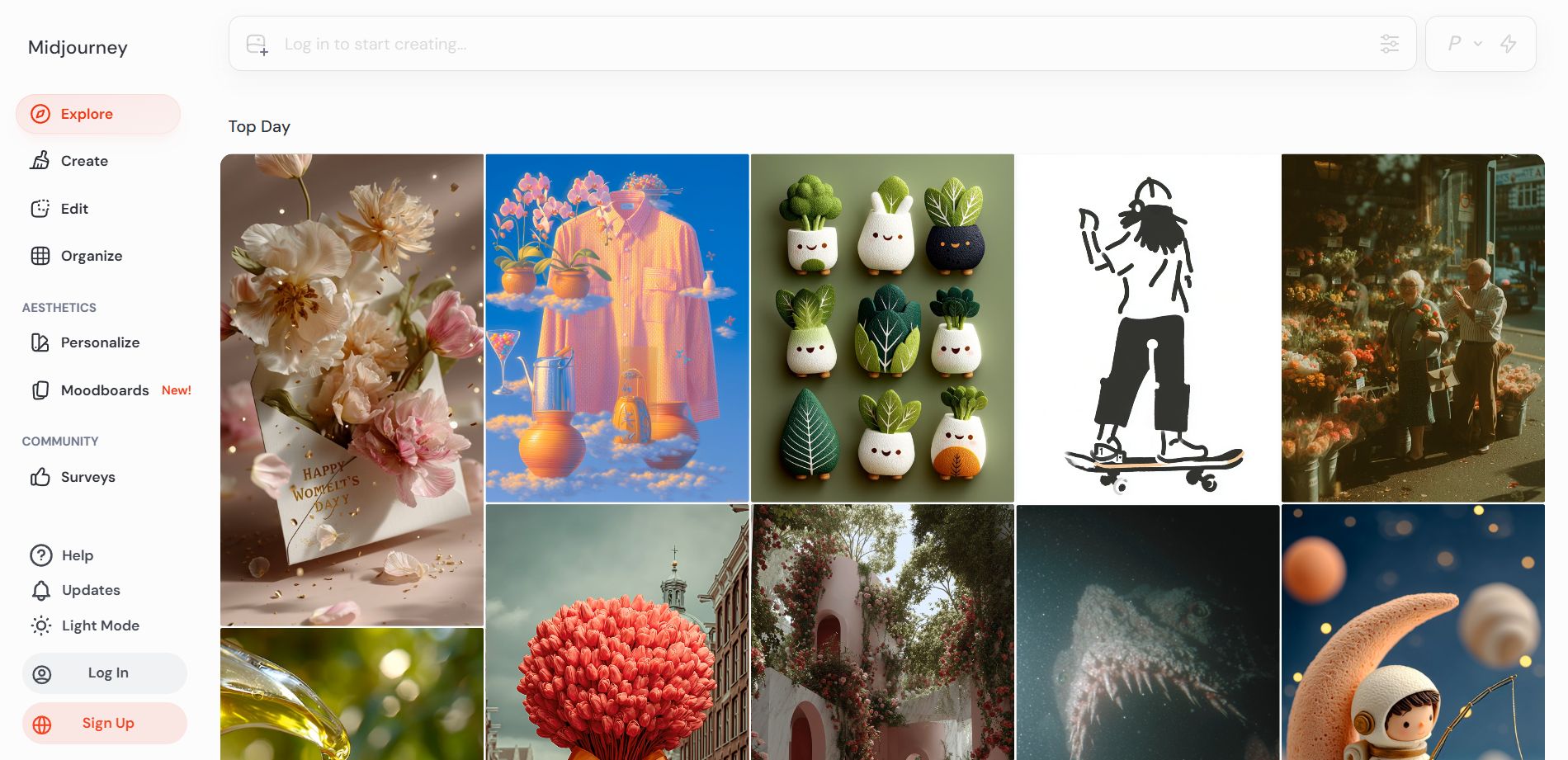
2. Midjourney Subscription Tiers & Commercial Rights
Midjourney is a paid subscription service. To start generating, type /subscribe in any Discord channel to access your personalized subscription link:
Hobbyist
Basic Plan
$10 / month
- 3.3 Fast GPU Hours (~200 images/mo)
- General commercial terms
- No Relax Mode (Must buy extra GPU hours if exhausted)
Most Popular
Standard Plan
$30 / month
- 15 Fast GPU Hours (~900 images/mo)
- Unlimited Relax Mode (Free infinite generations)
- Full commercial rights
Professional
Pro Plan
$60 / month
- 30 Fast GPU Hours (~1800 images/mo)
- Unlimited Relax Mode
- Stealth Mode (/stealth): Keeps creations private from public gallery
- 12 concurrent Fast jobs
Enterprise
Mega Plan
$120 / month
- 60 Fast GPU Hours
- Unlimited Relax Mode + Stealth Mode
- Max concurrent jobs (12 Fast, 3 Relax)
3. GPU Modes: Fast vs. Relax vs. Turbo
| Command | Execution Speed | GPU Time Cost | When to Use |
|---|---|---|---|
/fast | High (~30–50 seconds per 4-image grid) | 1:1 ratio deducted from monthly balance | Active creative sessions, client work, live workshops. |
/relax | Variable (0–3 minutes queue delay) | 0 GPU Cost (Completely Unlimited) | Overnight rendering, bulk permutations, exploratory brainstorming. |
/turbo | Ultra-Fast (~10–15 seconds) | 2x Fast GPU Time consumed | Urgent live production deadlines when maximum speed is required. |
4. Configuring Global Defaults with /settings
Type /settings in Discord to bring up your global preference dashboard:
- Model Version: Set default to
Midjourney Model V6.1orNiji Model V6. - RAW Mode: Bypasses default Midjourney aesthetic bias, adhering strictly to photographic text prompts.
- Stylize Med / High / Very High: Controls default artistic freedom (corresponds to
--s 100,--s 250,--s 750). - Public / Stealth: Pro and Mega subscribers can toggle Stealth to prevent images from being publicly scraped.
- Remix Mode: Allows editing prompts and parameters dynamically when clicking variation buttons (V1–V4).
5. Executing Your First Generation
Type /imagine, press space, and input your prompt:
/imagine prompt: cinematic portrait of an astronaut on Mars during sunset, dust storm, photorealistic, 35mm film photography --ar 16:9 --v 6.1
Understanding the Output Grid & Buttons:
U1, U2, U3, U4 (Upscale): Isolates image 1 (top-left), 2 (top-right), 3 (bottom-left), or 4 (bottom-right) at full high resolution.
V1, V2, V3, V4 (Variation): Generates 4 new alternative takes based on the composition and color of that specific quadrant.
🔄 (Reroll): Discards the entire grid and runs the prompt again with a new random seed.
Onboarding Key Takeaways
- Invite the Midjourney Bot to a private Discord server for a clean, distraction-free creative workspace.
- Standard, Pro, and Mega plans provide unlimited relax mode generations.
- Always enable Remix Mode in
/settingsto allow prompt refinement when generating variations. - Paid plans grant full commercial ownership over all generated digital assets.
Explore Related Tools
Hand-picked utilities and calculators related to this tool.